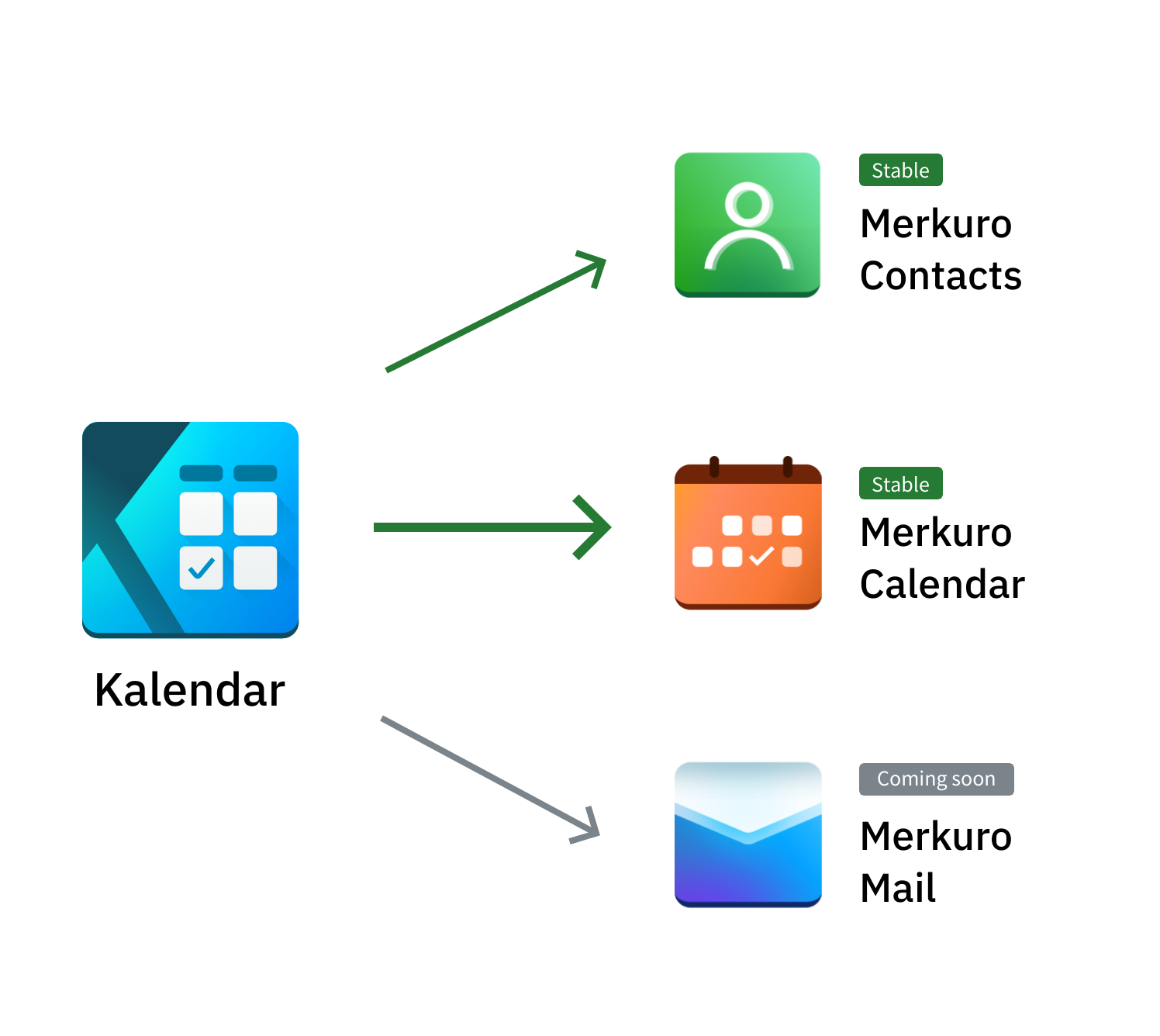
aronkvh to KDE · vor 3 JahrenA small explainer graphic about Kalendar → Merkuroexternal-linkmessage-square23linkfedilinkarrow-up173arrow-down14
arrow-up169arrow-down1external-linkA small explainer graphic about Kalendar → Merkuroaronkvh to KDE · vor 3 Jahrenmessage-square23linkfedilink
minus-squareqaz@lemmy.worldlinkfedilinkarrow-up1·edit-2vor 3 JahrenI’ve had it break on me. I’ve tried everything to fix it, but nothing worked. The only thing left is just reinstalling the distro.
minus-squareCarl SchwanMAlinkfedilinkarrow-up9·vor 3 JahrenJust remove the following files to reset Akonadi: ~/.local/share/akonadi/ ~/.config/akonadi/*.dat And then just restart akonadi with akonadictl restart
minus-squarewoelkchen@lemmy.worldBannedlinkfedilinkarrow-up3·vor 3 JahrenThen you did not try everything. With Linux a fresh installation is basically never needed. Last I’ve checked Akonadi is just a cache, never the actual data.


I’ve had it break on me.
I’ve tried everything to fix it, but nothing worked. The only thing left is just reinstalling the distro.Just remove the following files to reset Akonadi:
And then just restart akonadi with
akonadictl restartThen you did not try everything. With Linux a fresh installation is basically never needed. Last I’ve checked Akonadi is just a cache, never the actual data.