Why not just use Darktable?
I desperately want to switch from lightroom but darktable isn’t even close to being an efficient replacement for quickly sorting through, tagging and editing a day’s shooting of 50mp raw files.
It’s an order of magnitude slower and with way more clicks to do anything
DigiKam is more for cataloging and DarkTable is better for editing
Yeah I don’t sort or tag with DarkTable I only edit.
Are you using assisted culling in Lightroom for culling? As yeah, thats just missing from Darktable and you would have to use another (opensource) tool to do that.
However if you are still manual, I dont agree once you have learned the keyboard shortcuts, that’s as fast for me in both, or in my current tool of choice, photolab. Even just using 1 to 5 to do basic culling with auto advance is a game changer for manual review.
Editing really depends on your workflow, if you have a lot of similar shots you can just copy and paste a working set across everything thats similar and then manually tweak. Even if the shots aren’t the same just applying the usual set of modules with some sensible defaults across photos is very helpful. I used to keep one back from my last set as a template.
I’ve started several attempts to migrate to it, and they’ve all failed. The workflow just doesn’t work for me. It’s extremely click-heavy and (subjectively) unintuitive. (I want to delete a file. Why TF can’t I just use Del to do that?)
Lightroom is the single Windows application that I still haven’t successfully replaced with a FOSS alternative. It’s confined to a Windows VM with no internet access. That’s fine for now.
I am not saying this will work for you, but I am leaving it here for others as it does work for me when doing mass edits.
Another to try in my wheelhouse of free RAW editors. Now I’m mostly chill to just use RapidRAW. After that Darktable. Then RawTherapee. Still got to try ART (Another RawTherapee)
Darktable is my go to.
DXO Photolab. Your time is worth money.
Only thing I don’t like with Photolab is that there is no Linux client. I ended up getting a Mac because I liked the latest version of Photolab so much for my workflow. Deepprime xd3 is just ridiculous at cleaning up my high ISO photos.
I like RawTherapee the best out of these.
Same, but I really hate the name
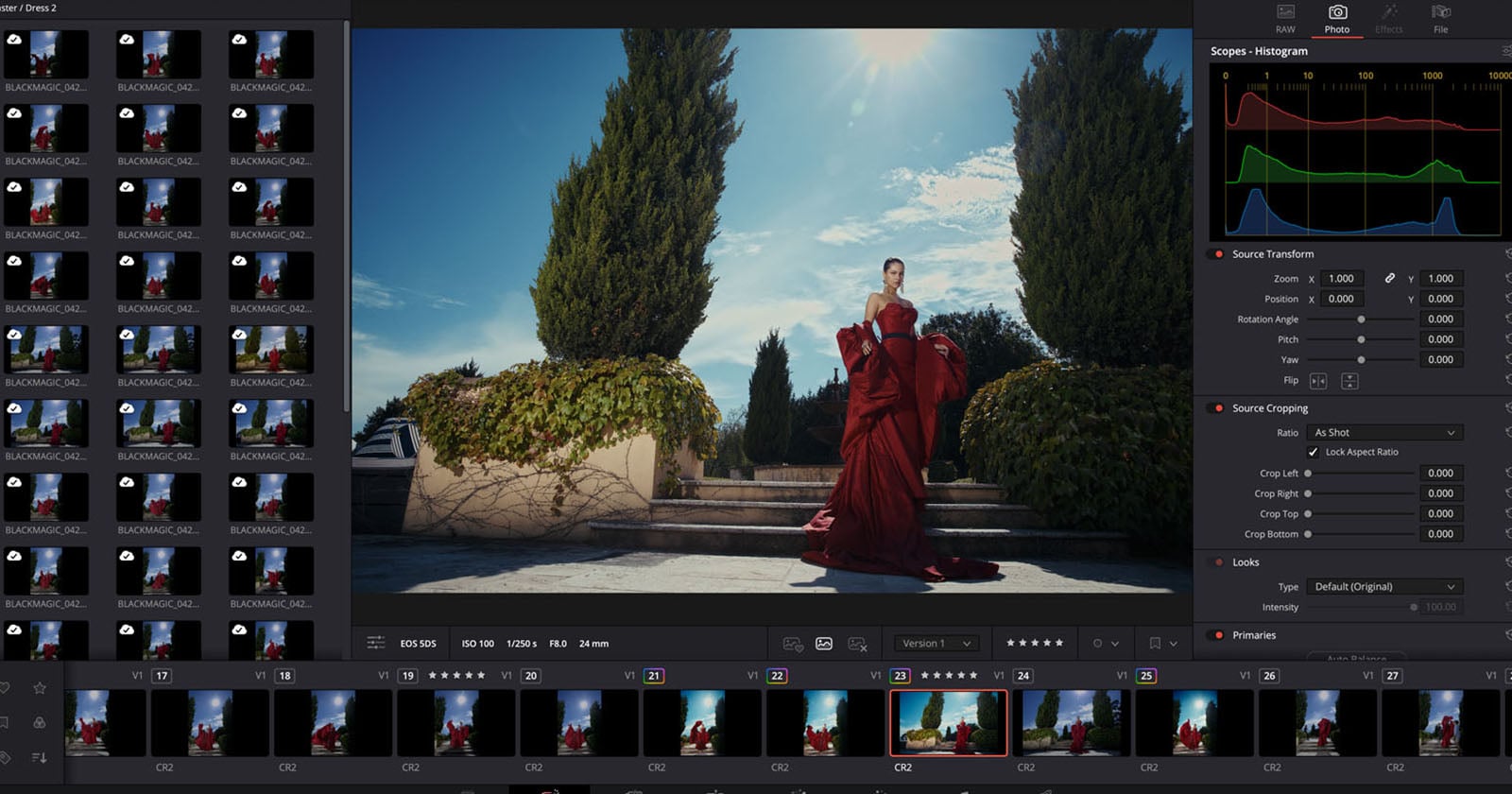
I wonder if the tethering is any good. Lightroom is pretty bad compared to Capture One and I’m not aware of many other alternatives.
I was surprised to see the camera tether feature.
Photoshop is much easer to use for photo editing. Still this might be free. There are typically resolution restriction on the free version of resolve. We’ll have to see if that applies to photos.
Resolve is notoriously bad with high resolution video. I wonder how well it will handle 40Mp and above images.
Is it? I’ve had no problems with hi res video on resolve studio
Depends on how deep your node graph gets. My friend who does video has a pair of beefy gpu’s(4090?). To get fully smooth and interactive video.
Resolve is the only application that I see 128gb or more of ram as actually making a difference.
Sweet. Do they have a Linux version?
yes, but
- installing it can be not so straightforward. this is a good resource for guidance/troubleshooting
- the free version is limited in the codecs it can process (licensing issues some say, but kdenlive can work with them, so…). you can look up the supported codecs rather easily, but being unable to use h264, h265, and aac can be a pain in the butt.
Thank you for sharing. I have a studio version already and wouldn’t mind retooling my desktop to Linux for this.
Yes