I have been using KDE via Kubuntu for about 2 years now, other distros with Gnome before that. Based upon the name (KDE Advanced Text Editor, K.A.T.E.) I always thought of Kate as an alternative to Notepad++ or something like that. Like a highend note-taking app.
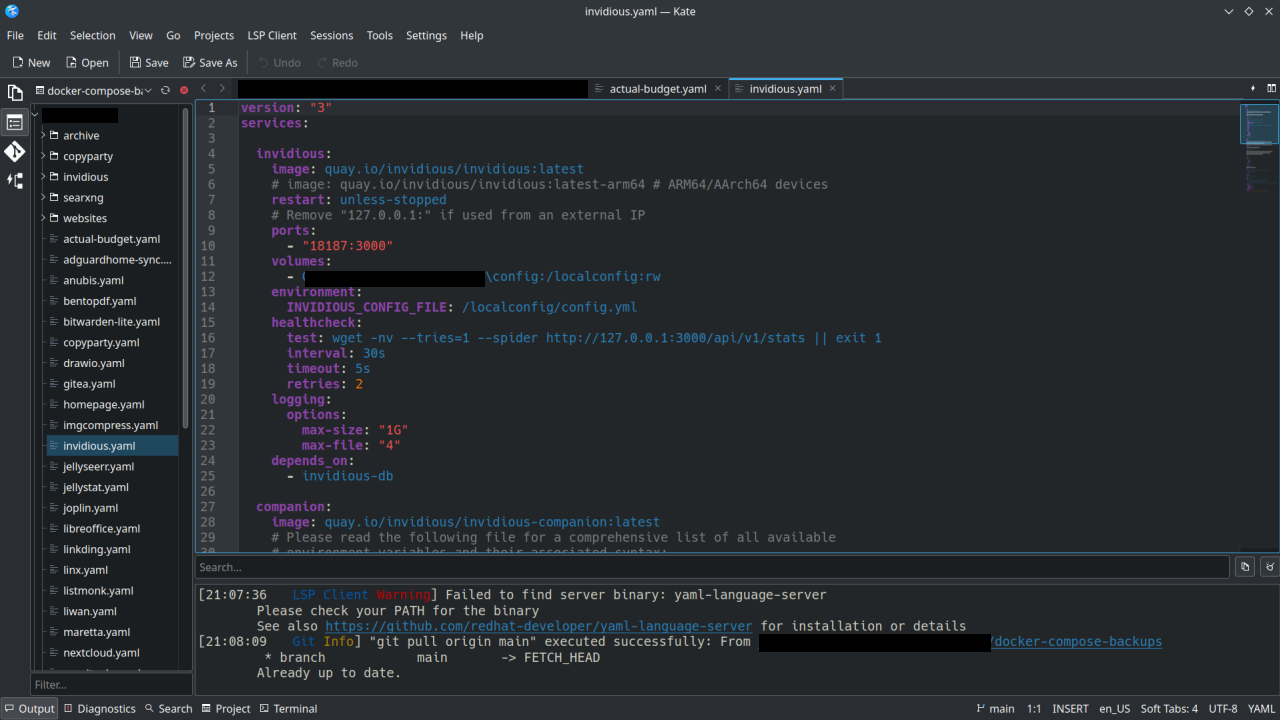
I recently started using Kate for managing my Docker-Compose yaml files on my homelab, using the Git functionality to sync to my repos and doing some web development. It’s basically an alternative to VSCode or Codium.
Thanks to the devs who work on Kate . If you don’t hear it enough we appreciate you!
You must log in or # to comment.
I love Kate
I use it on gnome and it is simply fantastic
KATE replaced VSCode and Codium for my open source development work.
+1
Curious if anyone knows this, does it use the same buffering system as N++? Meaning, if I open a log file in N++ that is still being written to it never has an issue with blocking the program writing to the file since (it seems) to open it in a separate buffer that can get updated as the file does. A very handy feature for the logs I use, and if Kate can do that I’m all in.
I will test it myself obv, but perhaps someone will be able to answer before I’m able to test, and then also the information will be here :)
I use Zed these days, but I’ll never uninstall Kate.
Zed is quite impressive, it opens like instantly when you double click it.
VS Codium on the other hand takes a few seconds to display everything correctly. Yes once its open it speeds up and is not that slow anymore, but compared to Zed it does still feel very heavy.
God I love Kate. Being able to just randomly open any file and get syntax highlighting and tabs makes dealing with system files so much easier
I absolutely love Kate, I’ve been using it since 2019 when I switched to Linux and I needed a replacement for Notepad++, and I prefer it to more sophisticated editors like VS Code.
Yeah, Kate is excellent. I use it on my Linux stuff at home but I use it on Windows at work also.
Me too, it’s been such a blessing!
but I use it on Windows at work also.
Huh… And here I was, never even considering that somebody may have ported Kate to Windows. I should try it, for the rare instance I’m editing something on Windows!
tons of KDE software is on the windows store, from KDE themselves, even (i can’t link the platform filter directly, just change the “all platforms” dropdown to “windows”)
God damnit. I never knew Konsole was available on windows.
KDE connect works too
Ctrl + Shift + B is what converted me to a kate worshipper!
TIL about Block Select!
Also Alt+click to add multiple cursors.
Indeed. It lets you do so much with that little feature. Not just select but edit also. My mind was blown. Made adding prefixes to each new line a piece of cake.
Yeah, its great. I use it daily.
Kate was my first “real” code editor coming from windows notepad back in the 90’s. It was my first taste of syntax highlighting.
Fond memories.
I used kate for my algorithms class, it was so nice, the syntax highlighting and symbol referencing worked out of the box.
This was in contrast to ctags that confused me at the time.
I should actually install kate on my work mac, I just kind of defaulted to VS Code since the colleagues were doing that, but seeing now that Kate is crossplatform that should be nice.
I just took to using it since it was the default pre-installed editor when I went KDE.
I’ve been able to do everything I needed in it, all the way up to writing fairly complex python.
No complaints. In fact I quite like it.
Kate is awesome I use it every day; if not as a scratch pad, as an editor.
I met Kate back in 2003 or so, immediately fell in love, and still use it (no longer my primary code editor, but primary for everything else.)